Project background
Help admins and managers ease their workload and drop the manual methods.
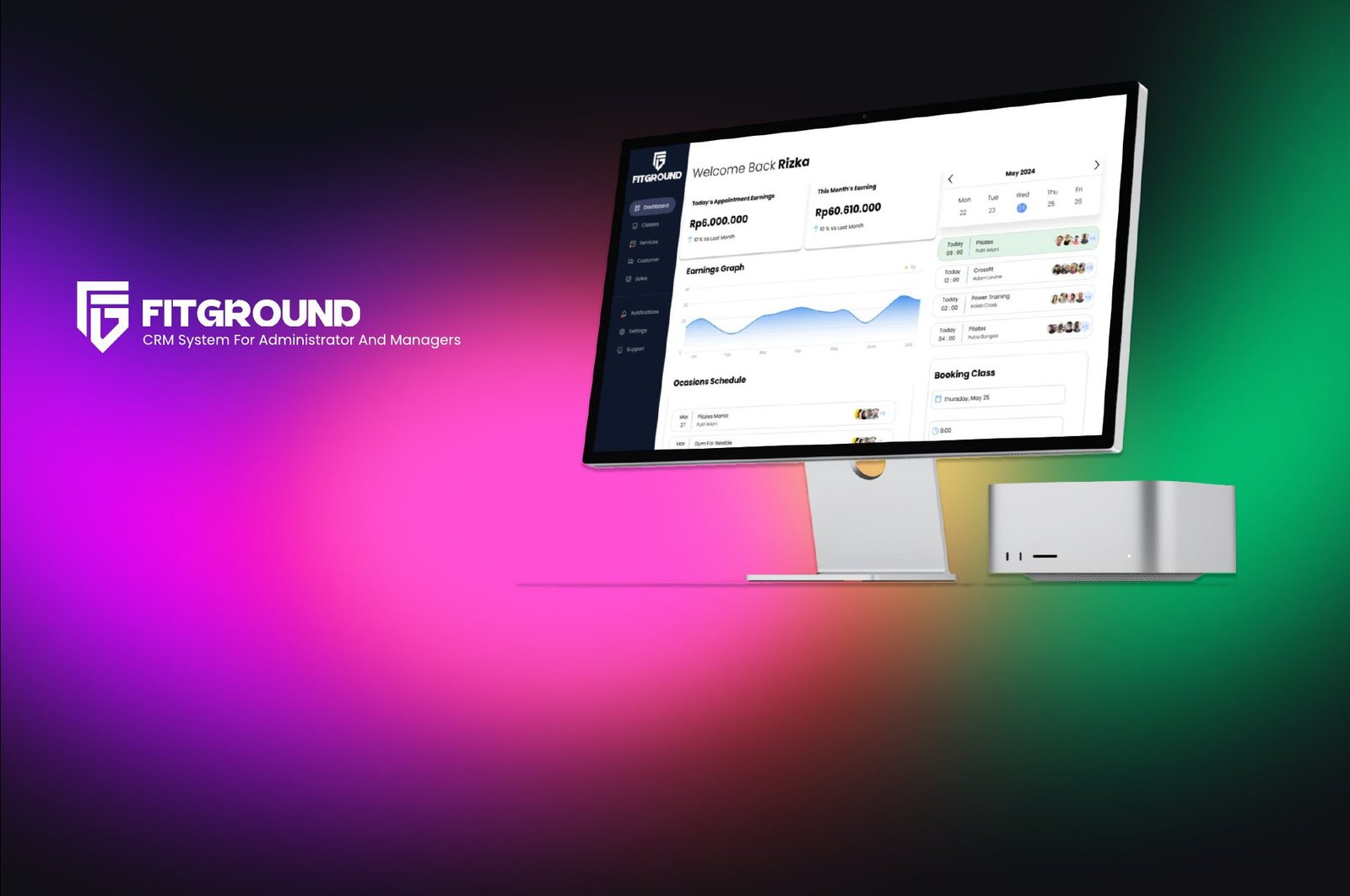
FitGround is an innovative Customer Relationship Management (CRM) software as a service designed to revolutionize how fitness and gym businesses manage member information, enhance customer relationships, streamline operations, and drive growth. FitGround offers a comprehensive suite of features tailored to the unique needs of the fitness and gym industry.
The dashboard
A gym dashboard serves as a centralized tool for gym management to monitor various aspects of their business operations, member engagement, and facility performance.
The objective
Help admins and managers ease their workload and remove manual methods.
Target users
About Fitground
FitGround is a gymnasium that varies in size, facilities and focus. Some fitness centers are large facilities with full service and a wide range of equipment, including cardio machines (such as treadmills, ellipticals and stationary bikes), weight machines, free weights, and areas for functional training.
Translated from the original Indonesian brief.
Task details
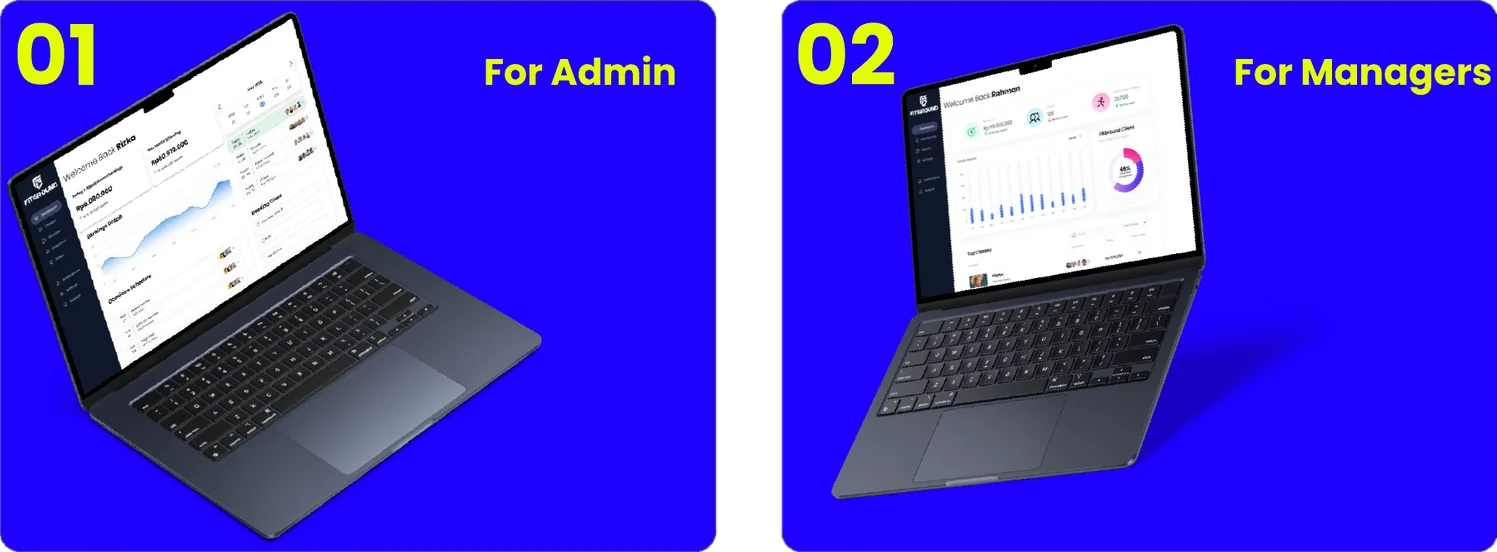
As an admin
- View classes
- Book classes
- Book appointments
- See membership status
- View client details
As a manager
- View revenue
- Cancel membership
- View revenue analytics
- Export CSV to the main office
Detailed interview with experts
After the initial research, I interviewed a gym that already runs a dashboard, to learn what the gym needs and which features the dashboard should have. Two participants took part: a front-desk admin and a manager from FitHub, a well-known gym franchise in Indonesia.
“As a manager, my priority is monitoring renewals and membership extensions as the main target. I also keep an eye on class availability and participant bookings to evaluate how the club is performing.”
“As an admin, the most important thing is entering member data and adding appointments for members who want to join.”
Quotes translated from Indonesian.
Comparative research
I looked at two existing gym dashboards, GymForce and RedGits, to see how they handle the same admin and manager jobs.
GymForce and RedGits dashboards.
Who it is for

Rizka Hartono
Age 28 · Gym administrator
Behaviour
- A young professional who has worked in the fitness industry for the past three years.
- Holds a bachelor’s degree in Business Administration with a focus on Sports Management.
- Tech-savvy and comfortable with various software applications and digital tools.
Frustrations
- Difficult to manage multiple tasks at the same time
- Hard to view the daily analytics report
- Has to book everything manually
Goals
- To operate a user-friendly dashboard dedicated to gym admins that eases the workload
Rizka
Front desk. Works with members and bookings all day.
- Dashboard
- Calendar + booking
- Appointment booking
- Membership status
- Client details
Rahman
Manager. Sees performance and decides on memberships.
- Dashboard
- Member management (freeze / cancel)
- Report analytics
- Send report
Information architecture and flows
Before any screen, I mapped what each role can reach and the shortest path to each of their jobs.
Site map for the admin, and for the manager (super admin).
Admin user flows: pick a schedule, book a class, add an appointment, manage a customer, view a transaction.
Manager user flows: freeze a membership, cancel a membership with a survey, view analytics and export a CSV.
Wireframes for admin and manager
Low-fidelity layouts first, so the structure could be judged before any colour or type.
Typography, colour and components
The chosen colours give the interface a dynamic, captivating visual style that sets it apart from other gym dashboards.

Colours
Hover to open a swatch, click to copy the hex.
Components
Cards, charts, calendar, toggles, buttons, table rows, pop-ups and the sidebar. Expand for the full sheet.
High-fidelity desktop dashboard
Switch between the two dashboards and step through each screen. Click a screen to see it full size.
Conclusion
After developing a comprehensive gym dashboard tailored for both managers and admins, it’s evident that this solution offers a streamlined approach to managing gym operations efficiently.
By incorporating various features such as membership management, class scheduling, attendance tracking, and financial reporting, the dashboard provides a centralized platform for overseeing all aspects of the gym’s operations.