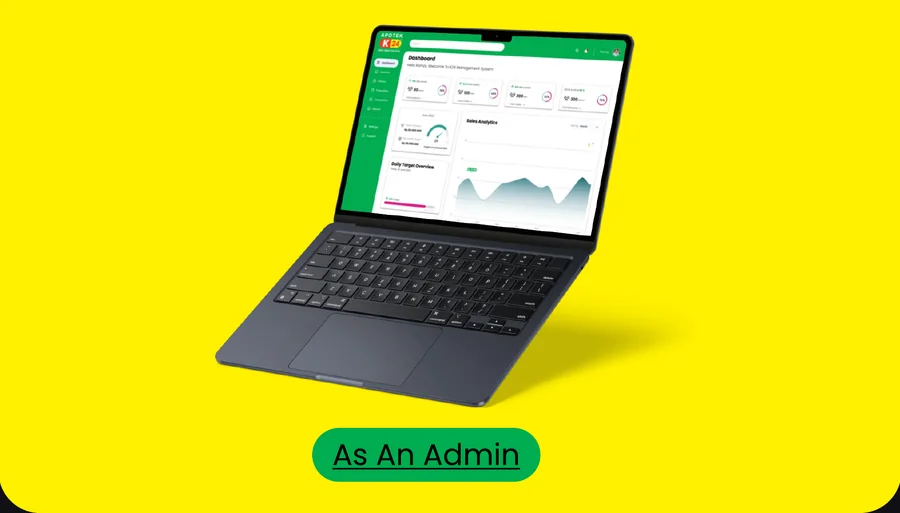
Apotek K24
An ERP system for K24 pharmacy administrators.
Project background
A pharmacy chain that never closes, and a dashboard that has to keep up.
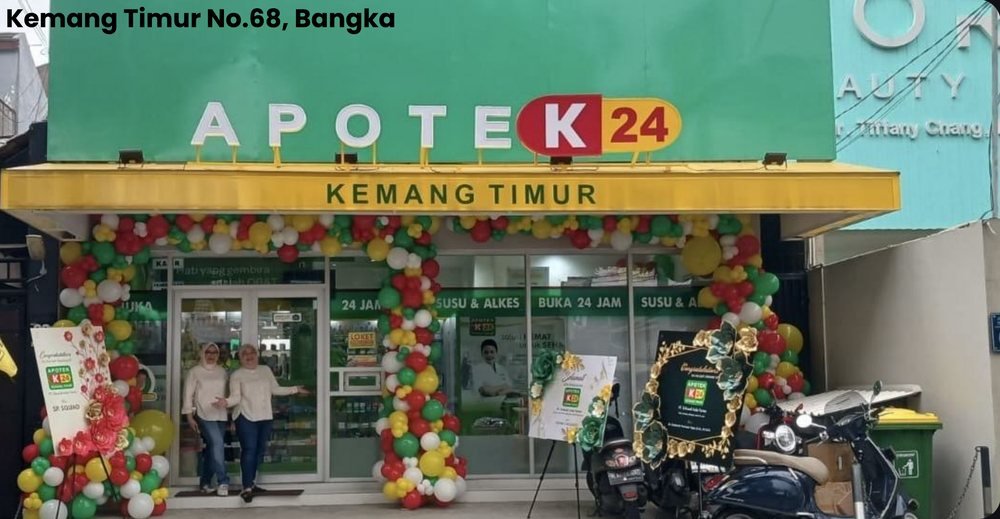
K24 Pharmacy Indonesia is a prominent pharmaceutical retail chain established in 2002. Known for its commitment to 24-hour service, it gives customers round-the-clock access to a wide range of medications and health products. K24 prides itself on offering high-quality, authentic medicines at affordable prices.
Our job
Add the important essentials a pharmacist needs to the system.
- Inventory
- Patient details
- Prescription
- Consultation
- Reports
Task objectives
The Apotek K24 system is tailored for pharmacies of all sizes, from small community pharmacies to large chains. It helps pharmacists streamline operations, keep medication available and improve patient care.
What the admin needs to do
Learning from the people at the counter
After studying the existing dashboards, I interviewed K24 staff to find out what pharmacies need and which features the dashboard should have. The expert interview was held with one participant: a front desk admin and manager at K24, a well-known pharmacy in Indonesia.
Expert interview
What an admin wants
Meet Amanda

Amanda Manopo
Age 28 · Pharmacy administrator
Behaviour
Amanda aims to streamline pharmacy operations by putting effective processes and tools in place. She wants a user-friendly dashboard with a comprehensive overview of pharmacy operations and performance metrics.
Frustration
She struggles with the large volume of data about medication inventory, prescriptions and patient information. As a busy administrator she has little time to analyse data and spot what to improve.
Goals
A dashboard that brings the key pharmacy metrics together: inventory levels, prescription volume, patient demographics and revenue.
Information architecture
Colour that stays awake
The palette gives the interface a dynamic, memorable look that sets it apart from other pharmacy tools. K24 green leads, with bright accents for status and charts.
LightRegularMediumBold
Click a colour to copy its hex code.
Components
Interactive buttons, status tags, cards and selectors, built once and reused across every page.
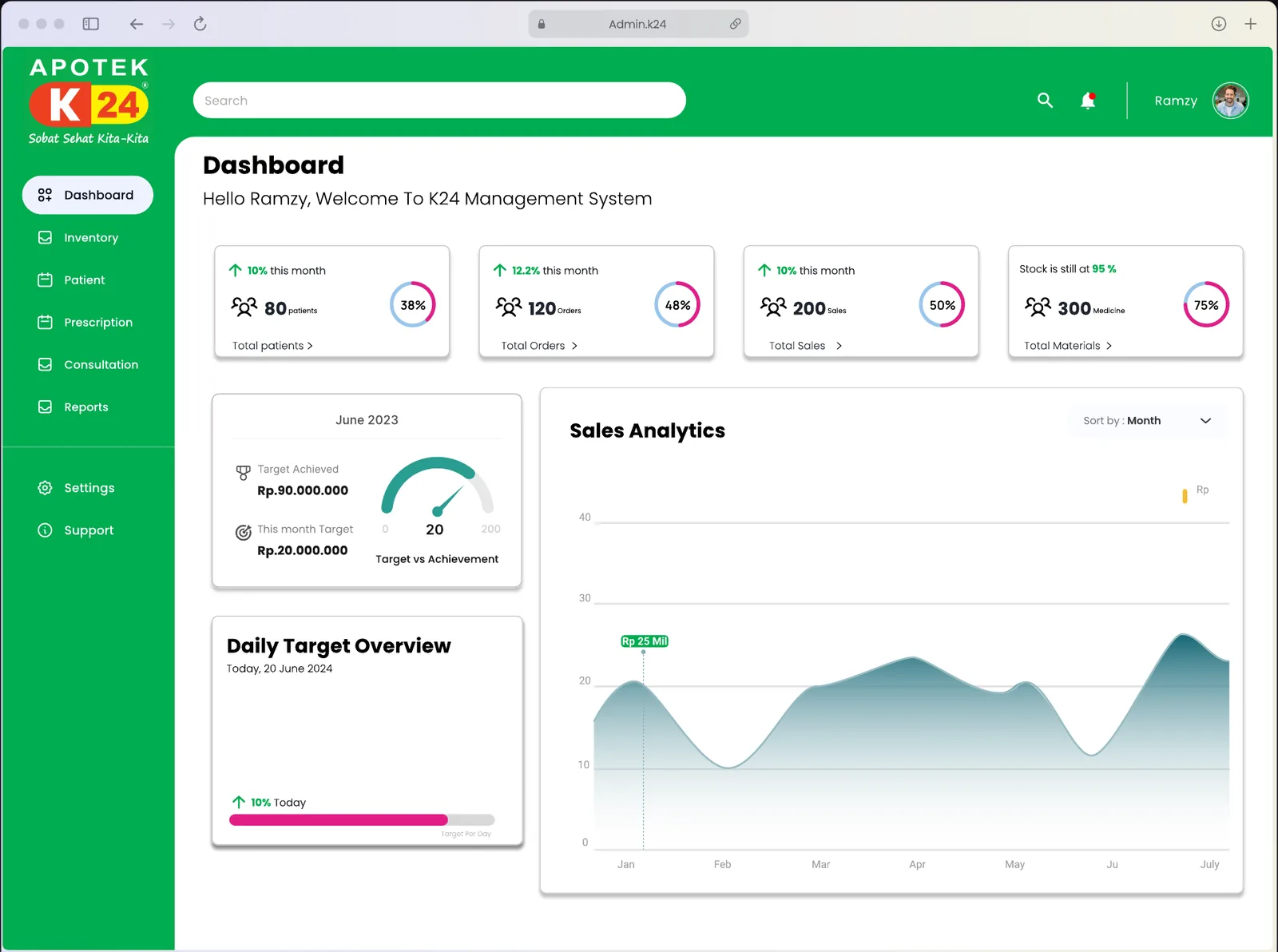
The desktop dashboard
High-fidelity screens for the pharmacy admin.
Does it work for the admin?
The next step was usability testing, to evaluate how easy and efficient the product is. The test ran on Maze with 3 participants and 6 tasks.
| Task 1 | Task 2 | Task 3 | Task 4 | Task 5 | Task 6 | |
|---|---|---|---|---|---|---|
| User 1 | 3 | 3 | 3 | 3 | 2 | 3 |
| User 2 | 3 | 3 | 2 | 2 | 2 | 3 |
| User 3 | 3 | 2 | 3 | 2 | 3 | 3 |
Average success rate. A score above 78% means the design is a success.
What I took away
A pharmacy dashboard needs a balance of functionality, usability and aesthetics. Listening to users, folding in their feedback and keeping the system reliable is what makes a tool that supports pharmacy operations and accurate inventory management.